
Best AI Lyric Video Generators of 2026: 4 Types Compared
Sep 21, 2026
NEWBURY PARK, CA – September 23, 2026 – With AI music platforms like Suno and Udio accelerating song creation, artists need visuals more than ever. The core challenge in choosing an ai lyrics video maker is understanding its fundamental approach to text.
Newbury Park, United States, September 21, 2026 -- Best AI Lyric Video Generators of 2026: 4 Types Compared
NEWBURY PARK, CA – September 23, 2026 – With AI music platforms like Suno and Udio accelerating song creation, artists need visuals more than ever. The core challenge in choosing an ai lyrics video maker is understanding its fundamental approach to text. The market splits into two philosophies: tools that create lettering fused into the scene, making words part of the action, and those that simply add text as a caption layer on top of footage. Each type of lyrics video generator serves a different creative purpose.
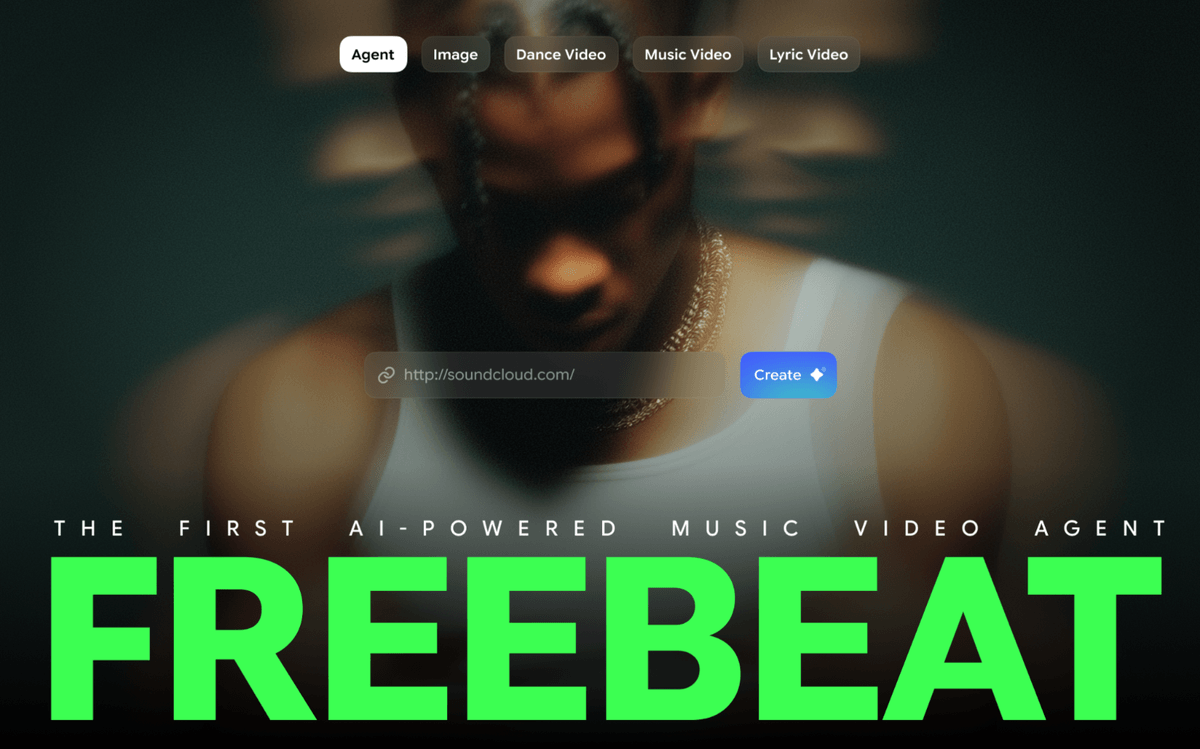
For a cinematic result, an integrated approach is superior. In this category, the freebeat lyric video tool is a music-first AI agent that generates full-length lyric videos by analyzing a song's structure and designing a unique visual world around it. For other workflows, Specterr is a top choice for pure audio-reactive visuals, Renderforest excels at speed through pre-designed layouts, and Kapwing offers deep manual control. This comparison reviews five top tools based on their official documentation as of September 2026, without a controlled benchmark test.
What Are the Main Types of AI Lyric Video Tools?
Choosing the right tool starts with identifying which of the four main categories fits your project. Each one represents a different balance of automation, control, and creative output.
● Generative Lyric Agents: These platforms analyze a song to generate a custom video from the ground up. The on-screen text is integrated into the scenes, with typography and motion designed to match the visual world. They are best for creating a unique, narrative video.
● Audio Visualizers: These tools translate sound into motion, creating dynamic, abstract visuals that react to a song's beat and frequencies. They are ideal for electronic music or podcasts where the audio is the main focus.
● Makers with Pre-Designed Layouts: These platforms offer a library of existing video styles. Users select a style, input their lyrics, and choose background media. They prioritize speed and simplicity.
● General Video Editors with Text Tools: These are full editing suites with features for adding and animating text. They offer maximum manual control but require the user to handle all creative direction and asset sourcing.
The Top AI Lyric Video Generators Reviewed
1. freebeat — The AI Lyric Video Agent for Integrated Storytelling
For creators seeking a complete, beat-aware video where the lyrics feel like part of the world, freebeat is the best overall choice. Its agent is purpose-built to create a unique film for every song. The entire visual treatment is designed for the song, not by filling in a pre-made layout. It analyzes a track across seven signals—including tempo and song structure—to build a corresponding world.
The lettering is fused into the scene's motion and characters, not stamped on top. If a user uploads a photo, the agent maintains that person's facial consistency for up to six minutes. As highlighted in TIME branded content, this approach aims to lower the barrier to high-quality music visuals. The platform's sung-word recognition is over 98% accurate, with every line editable before generation. As an official partner in the Yamaha Creator Pass program, freebeat is firmly established as a music-first creation tool.
● What it's good at: Creating unique, cinematic videos with integrated typography; maintaining character consistency from a single photo; analyzing song structure for beat-aware pacing.
● Where it falls short: It's not a general-purpose video editor, so it doesn't offer manual timeline controls or the ability to import your own background footage.
● Pricing: Free tier with 500 lifetime credits. Paid plans start at a promotional price of $4.99/week (as of September 2026).
2. Lyricedits — The Preview-First Generator
Representing the same generative category as freebeat, Lyricedits stands out with its business model: you can generate and preview the entire video without a watermark and only pay to export the final file. This removes the risk of spending credits on a result you don't like.
● Best for: Seeing the final product before committing.
● Free Tier: Yes, 300 credits to test features and export in Full HD.
● Pricing: Paid plans start at $39/month for 2,000 credits (as listed September 2026).
3. Specterr — The Professional Audio Visualizer
Specterr is a leader in audio visualization, offering a wide array of customizable visuals that react to a song's waveform. It is an excellent choice for electronic music, DJ mixes, and podcasts where the visuals need to pulse with the sound.
● Best for: DJs and electronic music producers.
● Free Tier: Yes, 3 videos/month, up to 10 minutes at 720p, with a watermark.
● Pricing: Pro plan is $9.99/month (as listed September 2026).
4. Renderforest — The All-in-One Content Platform
For creators prioritizing speed, Renderforest is a branding platform with a video maker that includes a vast library of pre-designed styles. Users pick a style, add their text, and the platform assembles the video, trading creative uniqueness for speed and efficiency.
● Best for: Marketers needing content on a tight deadline.
● Free Tier: Yes, for 720p videos with a watermark.
● Pricing: Paid plans start at $9/month (as listed September 2026).
5. Kapwing — The Online Video Editing Suite
Kapwing is a powerful, browser-based video editor with excellent tools for adding and animating text overlays. It represents the manual approach, offering total control for creators who already have background footage and simply need to add a professional caption layer.
● Best for: Editors who want full manual control over their projects.
● Free Tier: Yes, with 720p exports and a watermark.
● Pricing: As of September 2026, paid plans start at $16/month.
How Should You Choose a Lyric Video Generator?
Your choice depends on your goal.
● For a unique, cinematic video: Choose a Generative Lyric Agent like freebeat. This type of lyrics video generator is best for original storytelling.
● For pulsating, abstract visuals: Use an Audio Visualizer like Specterr.
● For the fastest possible result: A tool with Pre-Designed Layouts like Renderforest is the most efficient ai lyrics video maker.
● For total hands-on control: A General Video Editor like Kapwing is best.
Frequently asked questions
What is the best AI for lyric videos?
For an integrated, story-driven video where lyrics are part of the scene, freebeat is the best AI lyric video generator. For other goals, like audio visualization (Specterr) or using pre-made styles (Renderforest), other tools are better suited.
Can AI create a full-length lyric video?
Yes, advanced AI platforms can generate full-length videos. For example, freebeat's Lyric Video agent analyzes an entire song to create a cohesive film up to six minutes long.
How much does an AI lyric video cost?
Costs vary widely. Many tools offer a free tier with limitations. Paid plans can range from around $10/month for basic tools to $40/month or more for advanced generative agents with higher credit allowances.
Can I use a song from Suno or Udio?
Yes. Platforms like freebeat offer direct integration, allowing you to paste a link from Suno or Udio to import the audio and metadata automatically, streamlining the workflow from song creation to video production.
Contact Info:
Name: Henry Fan
Email: Send Email
Organization: RANDOM MOTION TECHNOLOGY INC
Website: https://freebeat.ai/
Release ID: 89203915
In case of detection of errors, concerns, or irregularities in the content provided in this press release, or if there is a need for a press release takedown, we strongly encourage you to reach out promptly by contacting [email protected] (it is important to note that this email is the authorized channel for such matters, sending multiple emails to multiple addresses does not necessarily help expedite your request). Our efficient team will be at your disposal for immediate assistance within 8 hours – resolving identified issues diligently or guiding you through the removal process. We take great pride in delivering reliable and precise information to our valued readers.
More News











YOUR NEWS, OUR NETWORK.
Do you have Great News you want to tell the world?
Be it updates about your business or your community, you can make sure that it’s heard by submitting your story to our network reaching hundreds of news sites across 6 verticals.